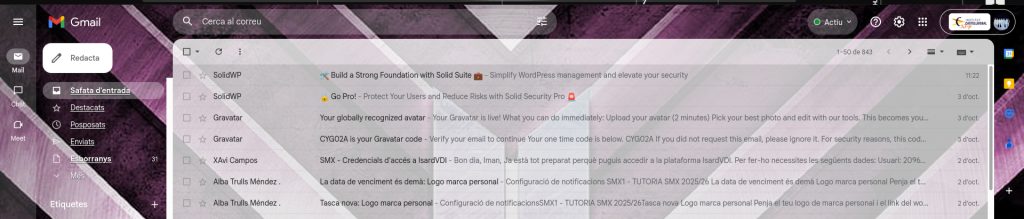
First we will open Gmail and click on to the labels/etiquetas to begin organizing your inbox.
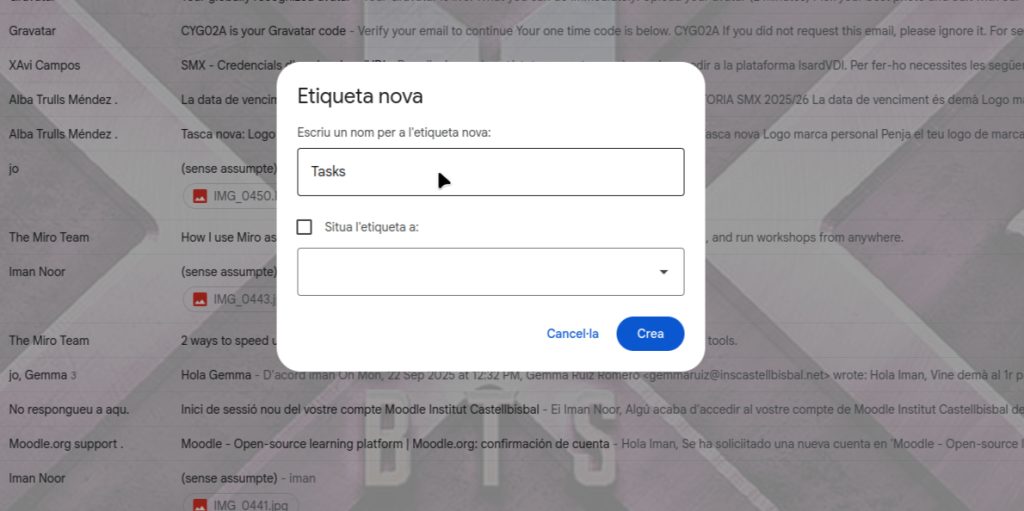
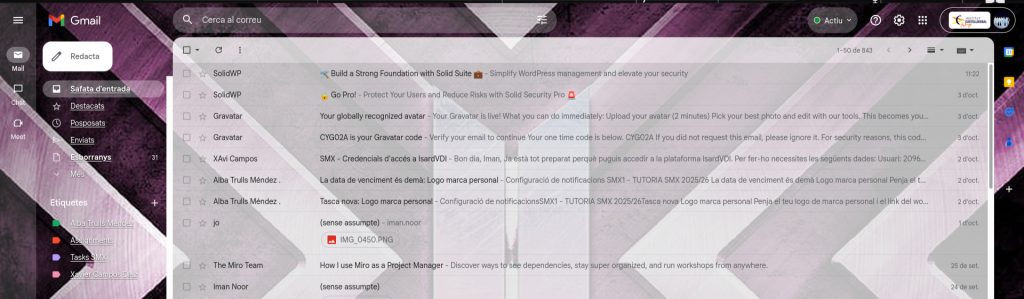
In the labels section, you write the name of the labels. For example, I write the name “Tasks”.
You can color the label if you want by clicking the three dots next to the name of the labels.
Many Web3 platforms are complex and have a steep learning curve, discouraging new users from entering the space.